
I’m about to set off on a wee boat trip – sailing a boat back from Plymouth to Fisherrow. All being well this should take about 3 weeks. I’m planning to write some blog posts here to keep my friends and family in touch with the journey as I go.
So how did this happen, and why now?
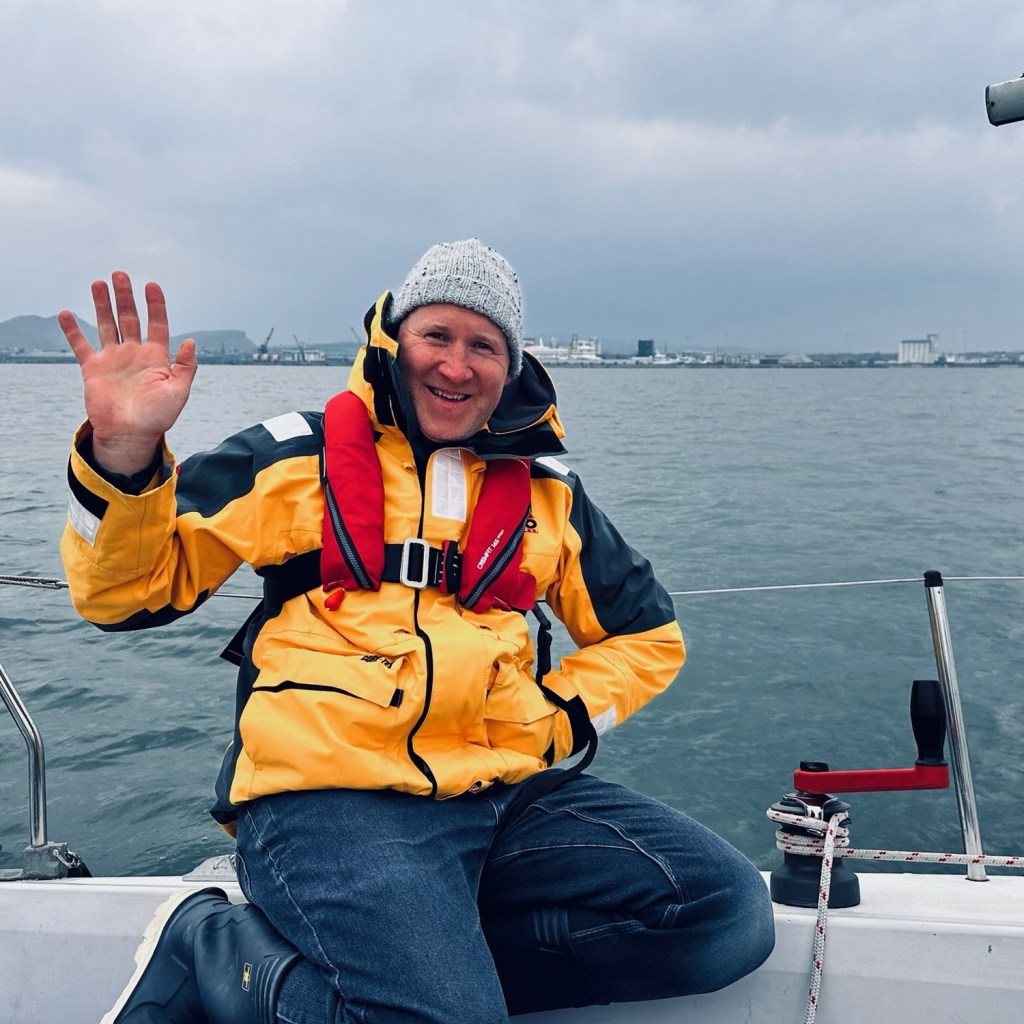
For many years, I’ve secretly harboured the dream of sailing around Britain and Ireland. It’s the classic ‘start from your doorstep’ epic sailing adventure at around 2,000 miles, with plenty of harbours but lots of dramatic stretches of sea, too.
I’ve never really told anyone much about this dream, because I’d concluded that I could never afford a boat big enough to do this comfortably, nor get the time off from work and family responsibilities. So I’d filed it firmly in the ‘things to try when you’re comfortably retired’ category. Assuming a comfortable retirement happens, of course!
But recently a chance came up to buy a small boat of my own – not too complicated or expensive, but ideal for sailing around the Firth of Forth. And as it turns out, the perfect example was away down in the South West of England, near Plymouth. She’s a 23ft bilge keeler, ideal for cruising around the Forth, and the Western Isles too, but it’s a bit on the small side for a long passage home. Small doesn’t mean less safe, it just means a bit less headroom.
When starting the buying process, my older rational head said ‘just look into transporting it on a lorry – costly but simple and quick’. But lots of folk said ‘wow, you’ve bought a boat in Plymouth, when are you sailing it back?’
At one level, this is a perfectly normal and predictable adventure. I started sailing 33 years ago(!) and have sailed many boats of this size since, including long sea passages and more recently, a fair amount of singlehanding around the Forth. And it’s just 20-odd day sails around the coast, right? ‘Keep Turning Left’ as they say.
It actually feels a bit more of an adventure than this – the boat is new to me (though wonderfully looked after by her previous owner) and I’ll be starting off in the busy unfamiliar waters of the English Channel. So I’ve spent some time in recent weeks swotting up on the tidal streams that swoosh around headlands like Portland Bill, working out how to get AIS data showing big ships on my chart plotter, and sorting out a host of other safety gear. I also have a motley (but ideal) set of crewmates joining me for various days as I head round the bottom of the UK.
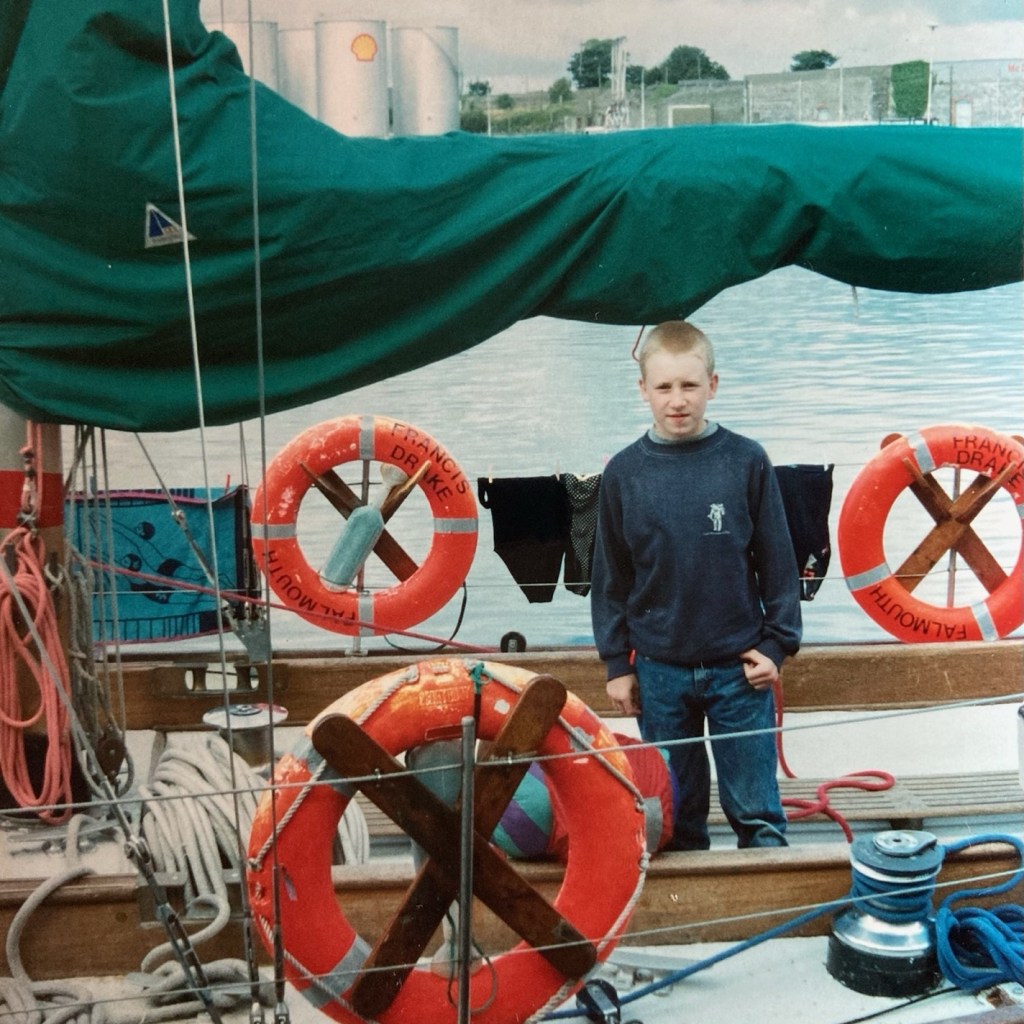
So all in all, I’m firmly in the balance of starting something that doesn’t feel reckless or impossible – but will require a fair bit of skill and care to finish. So an ideal middle-aged adventure, I suppose! It’s what 12-year-old John always dreamed of but with a healthy dose of realism and planning.
I’ll try to post here as often as I can, but it probably won’t be daily – some passages will be long, and some anchorages will be beyond the reach of reliable 5G.
Thanks to my family for their kind support over many years, and in particular Rachel for being up for a marathon of bedtimes and much more while solo parenting in the coming weeks. And to my work colleagues for letting me exploit a gap in the calendar and take some of next year’s leave. It helps that my immediate team are total legends who will be just fine without my input for a wee while. And thank to Matt, the previous owner, for having the ideal boat in a conveniently far away location.
Finally, if you wanted some more practical facts and figures:
- Starting tomorrow
- Sailing about 700 miles
- Averaging about 40 miles per day, though some will be longer and some will be shorter
- With the prevailing wind, but quite weather dependent so my schedule may flex
*The post title borrows the famous phrase from Lin and Larry Pardey who inspired generations of cost conscious cruisers




 things that might have been otherwise